you can actually still do that! enable the desktop icon for ‘computer’ in settings->personalisation->themes->desktop icon settings, then go to that icon on the desktop and right click it and rename. although i have gotten used to win11’s ‘user files’ one with quick access and recent and use that one instead—when it works, anyway (right now it is not)


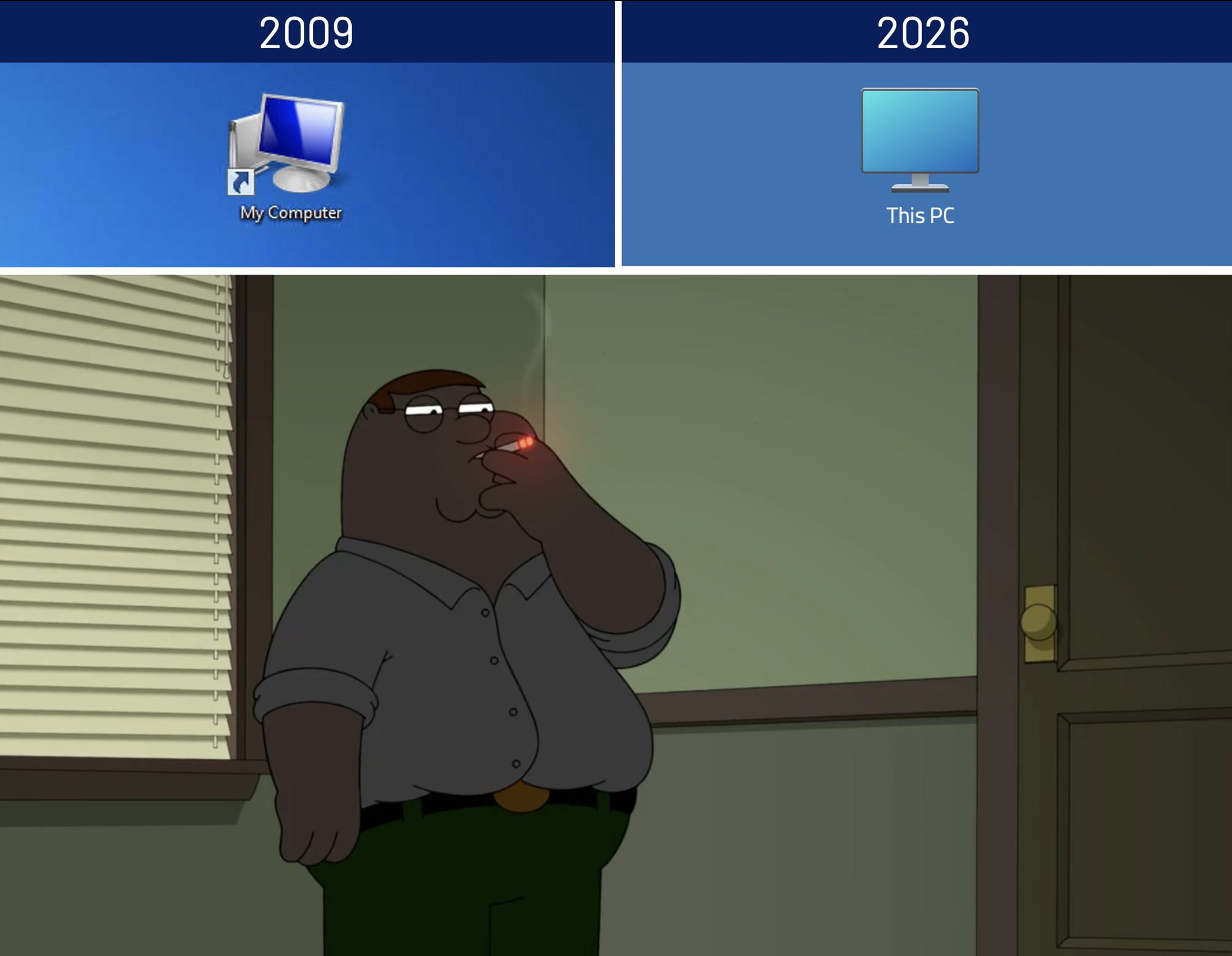
you can actually still do that! enable the desktop icon for ‘computer’ in settings->personalisation->themes->desktop icon settings, then go to that icon on the desktop and right click it and rename. although i have gotten used to win11’s ‘user files’ one with quick access and recent and use that one instead—when it works, anyway (right now it is not)