I don’t know about Gentoo, but as a serial dual booter I know this pain well.
I swear about two thirds of the time going through grub on every boot adds to the process are waiting for my monitor to figure itself out. Half the time it doesn’t get there on time at all.
If your mobo has an efi bootloader, which now-a-days almost all are, make sure grub is also an efi image and don’t allow the early boot to take control of the frame buffer.
Setting these flags for the bootloader, grub in your case, should make sure the monitor only does a single initialize.


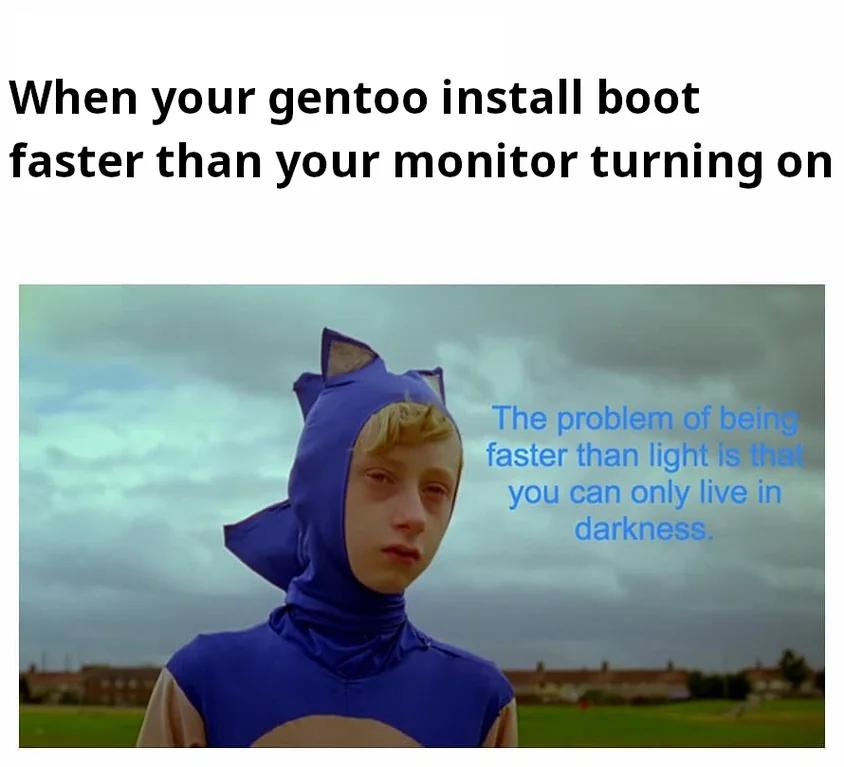
I don’t know about Gentoo, but as a serial dual booter I know this pain well.
I swear about two thirds of the time going through grub on every boot adds to the process are waiting for my monitor to figure itself out. Half the time it doesn’t get there on time at all.
If your mobo has an efi bootloader, which now-a-days almost all are, make sure grub is also an efi image and don’t allow the early boot to take control of the frame buffer.
Setting these flags for the bootloader, grub in your case, should make sure the monitor only does a single initialize.
GRUB_TERMINAL_OUTPUT=gfxterm
GRUB_GFXPAYLOAD_LINUX=keep
Source: just went through something similar and was annoyed that the monitor would take forever to start.