you can actually still do that! enable the desktop icon for ‘computer’ in settings->personalisation->themes->desktop icon settings, then go to that icon on the desktop and right click it and rename. although i have gotten used to win11’s ‘user files’ one with quick access and recent and use that one instead—when it works, anyway (right now it is not)
I kind of think this might have all been the original
vision of some small group of engineers. Like on the network you might see “Joe’s Computer” and “Jane’s Computer” and “Bob’s Printer”. But that vision all got lost in the larger Microsoft macrocosm between how they handle host names and networking and their SMB protocol, and their installers not properly renaming that stupid desktop icon. And ultimately we ended up with the ubiquitous My Computer everywhere.


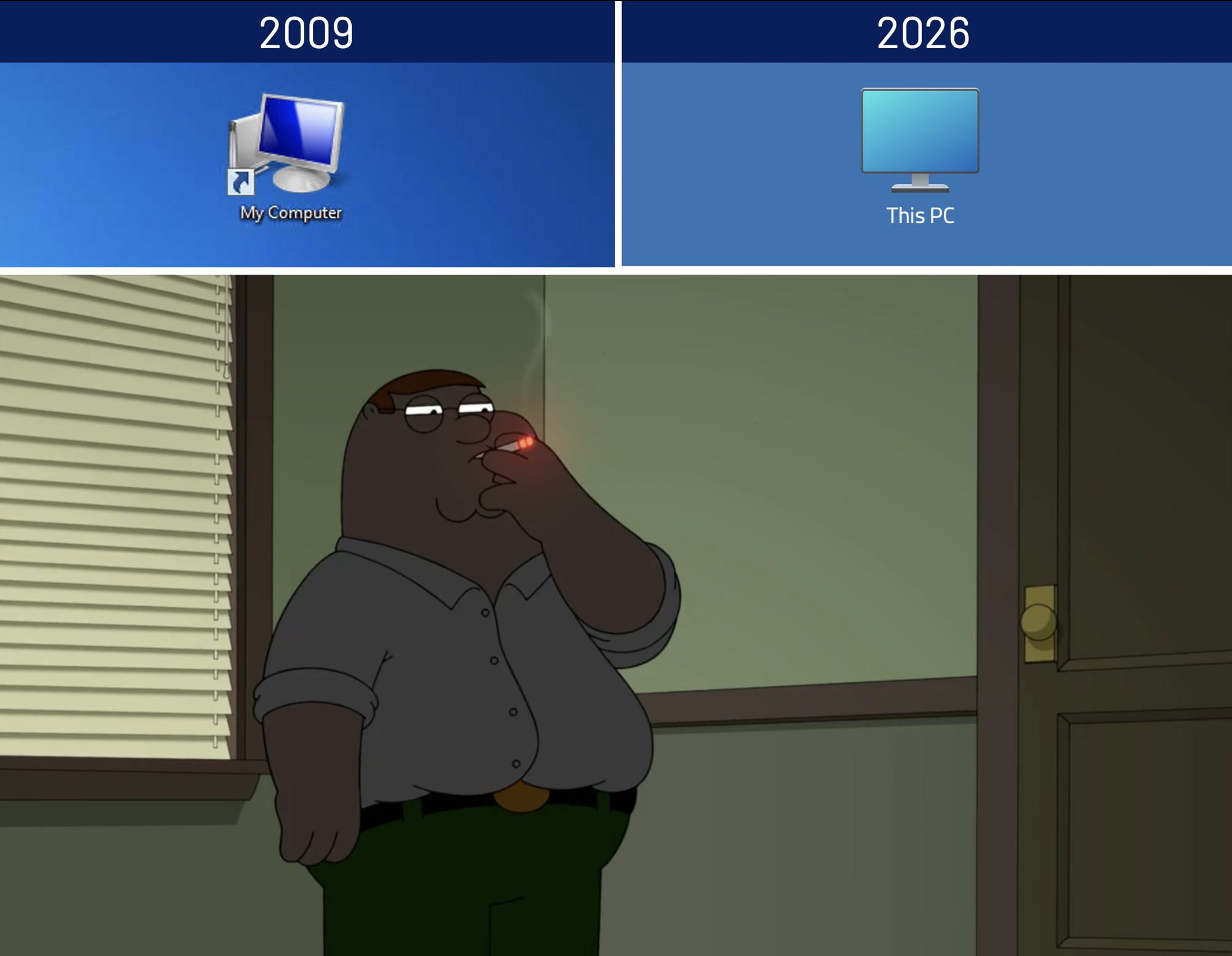
Is that even still possible? Renaming My Computer i mean.
you can actually still do that! enable the desktop icon for ‘computer’ in settings->personalisation->themes->desktop icon settings, then go to that icon on the desktop and right click it and rename. although i have gotten used to win11’s ‘user files’ one with quick access and recent and use that one instead—when it works, anyway (right now it is not)
I would think not. But I’m a tech illiterate Linux user who hasn’t used windows in 20+ years.
My brain:
Someone else posted that somewhere in this thread. I’m on my phone and can’t be bothered to look it up.
Looks like it’s coupled with the computers hostname now. Configured with the Run command
sysdm.cpl. Classic new Windows.I kind of think this might have all been the original vision of some small group of engineers. Like on the network you might see “Joe’s Computer” and “Jane’s Computer” and “Bob’s Printer”. But that vision all got lost in the larger Microsoft macrocosm between how they handle host names and networking and their SMB protocol, and their installers not properly renaming that stupid desktop icon. And ultimately we ended up with the ubiquitous My Computer everywhere.