They need to invest in some KVM switches. Just leave the monitors connected directly to the towers but route the input devices through the switch. There’s no good reason for a single person to face more than one keyboard and mouse at the same desk.
Reminds me of VirtualBox on Wayland. It won’t correctly capture the mouse, so it just exits and re-enters the window in random positions. Say, on guest you see it in middle left, you move it a bit to the right, and it jumps out of bottom right corner.
So, time to have a second mouse, and do USB passthrough.
But also UEFI on my HP mini PC doesn’t work with every keyboard, so a second keyboard for UEFI.


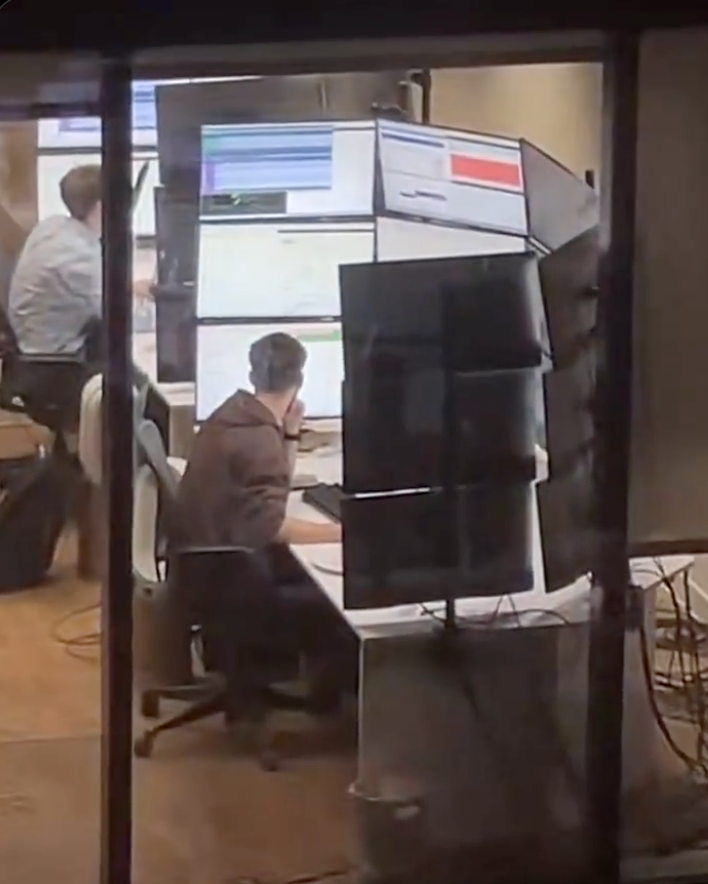
They need to invest in some KVM switches. Just leave the monitors connected directly to the towers but route the input devices through the switch. There’s no good reason for a single person to face more than one keyboard and mouse at the same desk.
Reminds me of VirtualBox on Wayland. It won’t correctly capture the mouse, so it just exits and re-enters the window in random positions. Say, on guest you see it in middle left, you move it a bit to the right, and it jumps out of bottom right corner.
So, time to have a second mouse, and do USB passthrough.
But also UEFI on my HP mini PC doesn’t work with every keyboard, so a second keyboard for UEFI.