

- cross-posted to:
- selfhosted@lemmy.world
- cross-posted to:
- selfhosted@lemmy.world
Hello PieFed! I feel there’s not enough content in regards to tech or self-hosting focused on us Canucks, so I started writing a blog last year. A lot of it fits into anywhere as it’s all centered on self-hosting and cybersecurity but I specifically write some posts & chunks of posts, directly for my fellow Canadians!
Welcome to Core Lab =) Operated & Self-Hosted in Canada, by a Canadian.
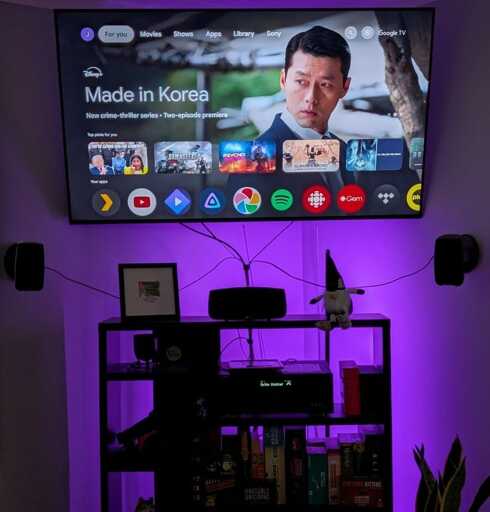
I personally ‘cut the cord’ back in 2012 , tired of the high costs and limited options of Canadian cable. Over the last 14+ years, I’ve moved from trying basic OTA antennas (Mohu Leaf anyone?!) to advanced automated self-hosted setups using Plex/Jelly and/or Real Debrid integrations!
I wrote this guide to save you the trial and error. It filters out the outdated advice and shows you exactly which hardware and streaming protocols actually work for reliable, high-quality streaming in Canada in 2026. Let me know if you have any questions or if this guide helped you out!
Disclaimer: This post does contain some affiliate links, but no ads ! I’ll never have popup or in-line ads…
A good point indeed!
Two current methodologies in practice these says, mostly.
I’ll end up writing a guide for this at some point ;)
I’m with the other person, disconnect the smart TV altogether. Ads and trackers still can get through network blocking.
Remove the “smart TV’s” from the internet all together.