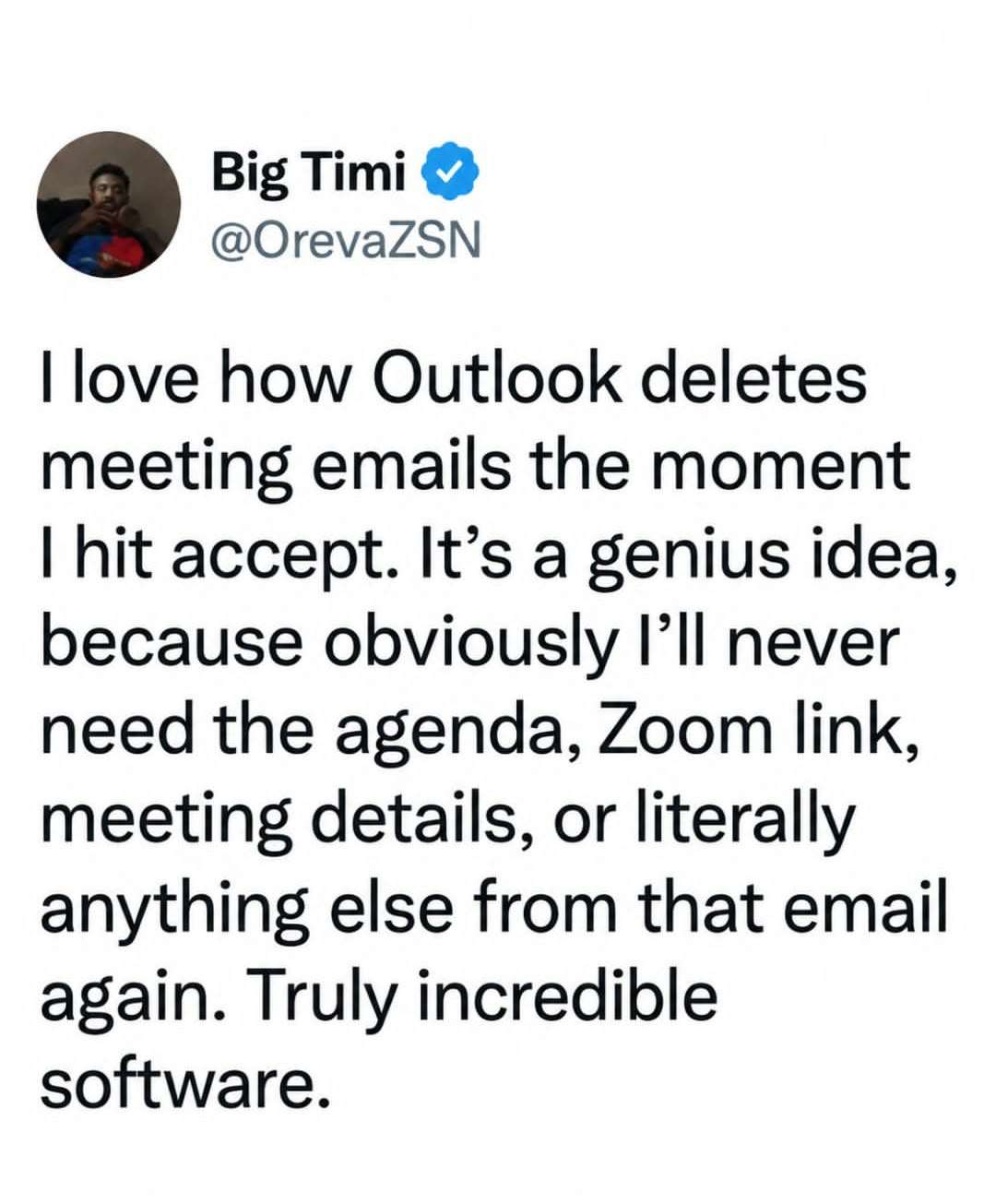
For anyone genuinely struggling with this:
There’s a setting in the Outlook options that will keep the invite in your inbox after you accept it.
I don’t have access to Outlook anymore so I can’t tell you where it is, sorry. It’s buried in that awful overwhelming interface somewhere, but hopefully knowing that it exists is a helpful starting point. Good luck.
Outlook also embeds the contents of the email into the calendar event. All of that information is preserved and can be accessed by double-clicking on the event in the calendar.

For anyone genuinely struggling with this: There’s a setting in the Outlook options that will keep the invite in your inbox after you accept it.
I don’t have access to Outlook anymore so I can’t tell you where it is, sorry. It’s buried in that awful overwhelming interface somewhere, but hopefully knowing that it exists is a helpful starting point. Good luck.
Outlook also embeds the contents of the email into the calendar event. All of that information is preserved and can be accessed by double-clicking on the event in the calendar.